Build your website & content

WedStudio

Your photographs and wedding stories, ready to share. Build and host with WedPlanned, embed a public gallery in your existing website or share a portfolio link.
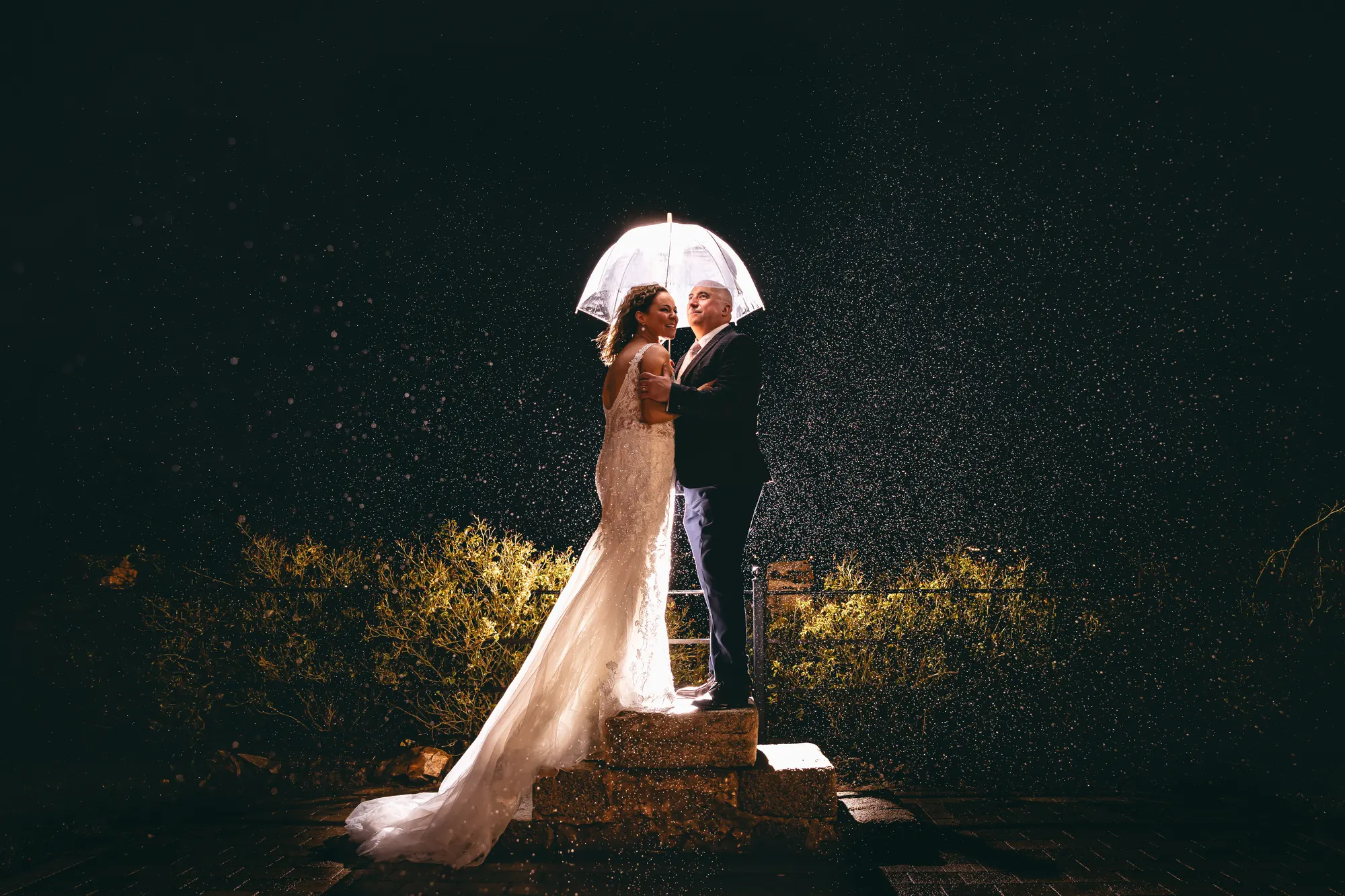
Wedding couple beneath a lit umbrella in the rain at Killeavy Castle
Beautiful work. More possibilities.Your website · galleries · stories · social

Publish your way

Your work. Your choice of website.

Create your galleries and stories in WedStudio. Choose where they appear in one place: Website & galleries in WedNav.

Direct hosting

Build and host with WedPlanned.

Set up your website, galleries and stories in WedStudio. WedPlanned hosts your published site on the address we provide, with no separate website host to arrange.

Explore your publishing options
Embed a public gallery

Your site. Our galleries.

Show a WedStudio gallery inside your Squarespace, WordPress, Wix or other website. Publish it once, copy the embed code and keep managing the photographs in WedPlanned.

Add a gallery to your site
Optional custom address

Make the address yours.

Use a supported custom domain or a separate address such as galleries.yourbusiness.com for your WedStudio website. Setup and availability apply.

Check domain options

Gallery embeds work without a full WedStudio website. Studio publishing access and a website plan that accepts embed code are required. Prefer a simple link? Share a standalone published gallery from the same setup area.

Republish a gallery to update every embedded placement. For stories, link to the article on your published WedStudio website, or create the post in your existing website’s blog. External blog posts are not automatically synced.

Private client galleries and downloads stay separate in WedStore.

One upload. Connected possibilities.

One wedding. One upload. All connected.

Start with your CRM job, upload to its linked client gallery, then deliver and create from the same photographs.

  1. 1Start with your booking

    One wedding job

    Keep the couple, date and supplier team together in WedCRM.

    WEDDING JOB · EXAMPLEDave & SiobhanThe day, plannedYour supplier teamA linked client gallery
  2. 2Upload your photographs

    One connected collection

    Upload to the job’s client gallery, manually or from Lightroom.

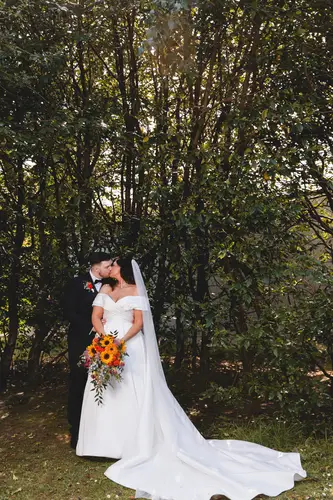
    Dave and Siobhan in the gardensTheir outdoor wedding ceremonyA woodland wedding portrait
    Ready to use across your workspace
  3. 3Choose where it goes

You choose what’s shared. Only photographs you select and publish appear in your public portfolio.

From delivery to discovery

Turn a wedding into content worth sharing.

Follow the steps to see how your uploaded work moves through WedStudio.

Example workflow
One collection of client work
Dave and Siobhan in the gardens at Millbrook Lodge
Dave and Siobhan sharing their first kiss at Millbrook Lodge
Dave and Siobhan in the woodland at Millbrook Lodge
Floral wedding cake at Millbrook Lodge

Upload once

Create the client gallery from the CRM job. Upload your edited images manually or publish them from Lightroom to that gallery.

The wedding, client and uploaded work stay linked. You can add the rest of the collection later.

Read the complete process
  1. Upload once

    Create the client gallery from the CRM job. Upload your edited images manually or publish them from Lightroom to that gallery. The wedding, client and uploaded work stay linked. You can add the rest of the collection later.

  2. Choose your favourites

    Choose the client wedding, select the photographs you want to feature and assign them to the relevant venue, moment or gallery. One photograph can appear in several public collections. Review the destinations before publishing.

  3. Prepare your preview post

    Select previews from the same uploaded photos. Export JPEGs in your chosen format and prepare an Instagram caption with venue and supplier credits. Review the caption and supplier handles, then take the exported images and text to Instagram to publish.

  4. Give every image a description

    Generate suggested alt text, captions and descriptions using the photo and its gallery context. Review, edit and save the wording you want. Find missing information later by filtering by wedding or missing field. Your saved text is never replaced automatically.

  5. Tell the wedding story

    Bring selected wedding images, the venue and the supplier team together in a wedding story. Add your own words and shape it into a blog feature. Check the layout, image text and credits, then publish the finished story to your WedStudio website.

WedStudio capabilities

The tools behind the work.

Your business, client and wedding details stay connected.
Website builder and hosting with WedPlanned
Public gallery embeds and portfolio links
Custom website addresses, subject to setup and availability
Wedding stories and blog content
Public galleries
Venues, locations and collections
WedPrev previews and social exports
WedIntel image descriptions and alt text
SEO and publishing

Make it part of your working day

Bring WedStudio into your business.

Compare memberships to see what’s included, or start with a free supplier listing and choose your tools as you grow.

Compare memberships Create a free listing